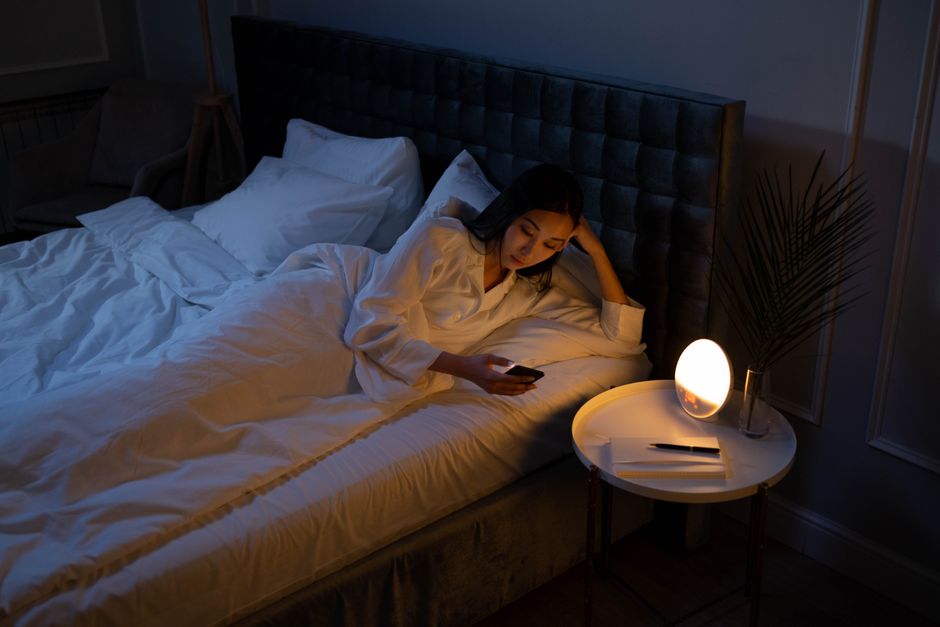

Why “screen light” is a sleep problem (and why the fix isn’t one-size-fits-all)
Scrolling late at night has become so normal that “I’ll just check one more thing” is practically a bedtime ritual. But light exposure—especially in the evening—can shift your body clock, delay sleepiness, and reduce sleep quality. That’s not just about how bright your room looks; it’s also about the type of light (its spectrum), how long you’re exposed, and what you’re doing (work, gaming, doomscrolling, or relaxing).
In this comparison article, we’ll look at three popular, non-medication approaches people use to reduce the sleep-disrupting effects of screens and artificial lighting:
- Blue light blocking glasses (amber/orange lenses)
- Night mode / blue light filters (software settings like Night Shift, Night Light, f.lux)
- Smart lighting (warm, dimmable bulbs and circadian lighting schedules)
You’ll get a practical breakdown of what each method actually does, who it helps most, and how to set it up for real-life results—without relying on gimmicks.
Quick primer: what matters more than “blue light” alone
“Blue light” gets all the attention because short-wavelength light can be biologically potent for circadian timing. But sleep disruption depends on multiple factors:
- Timing: Light exposure within ~2–3 hours before bed often has the biggest impact on falling asleep.
- Intensity: Bright light in the evening (overhead LEDs, bright screens in a dark room) is more disruptive than dim, warm light.
- Duration: 10 minutes of bright exposure is different from 2 hours.
- Behavior: Anxiety-provoking content and cognitive arousal can keep you awake even if you “fix” the light.
It helps to treat the problem as evening light hygiene, not just a single switch labeled “blue light.”
Option 1: Blue light blocking glasses (amber/orange lenses)
How they work
Blue light blocking glasses use tinted lenses (often amber, orange, or red) that reduce transmission of short-wavelength light. In theory, this may reduce the circadian “alerting” signal that light can trigger in the evening.
Pros
- Works across devices and environments: Glasses filter light from your phone, laptop, TV, and overhead lighting.
- Consistent effect: No software setup needed; if you’re wearing them, you’re filtering.
- Helpful for bright spaces: If you live with others who keep lights on, glasses can reduce exposure even when you can’t control the room.
Cons
- Quality varies widely: Some “blue blockers” barely filter meaningful wavelengths. Look for products with a clear spectral transmission chart or independent testing.
- Color distortion: Amber lenses change how everything looks—annoying if you do photo/video work at night.
- Not a full solution: If you keep your screen at max brightness and stay mentally stimulated, glasses may not be enough.
Best for
- People who can’t change lighting in shared homes or workplaces
- Night owls trying to shift bedtime earlier
- Frequent travelers dealing with hotel lighting and late-night laptop use
Actionable setup tips
- Wear them 2 hours before your target bedtime (consistency matters more than perfection).
- Pair with dimmer screens: Reduce brightness to the lowest comfortable level to cut total light intensity.
- Choose the right tint: Clear lenses with mild filtering are often too weak for meaningful evening circadian protection; amber/orange lenses generally block more short-wavelength light.
Real-world example
A late-shift nurse who finishes charting at home at 10:30 p.m. might not be able to avoid screens. Wearing amber lenses during charting and switching overhead lights to a warm lamp can make it easier to feel sleepy by midnight, especially when combined with a consistent wind-down routine.
Option 2: Night mode / software blue light filters
How they work
Night mode features shift your display toward warmer colors and can reduce blue-heavy output. Many also allow scheduling, so the screen warms automatically at sunset or a chosen time.
Pros
- Free and built-in: Most phones, tablets, and computers include it.
- Easy scheduling: Set it once and it runs automatically.
- Less intrusive than glasses: No wearable needed.
Cons
- Doesn’t address brightness unless you also dim: A warm but very bright screen can still be stimulating.
- Only affects that device: Your TV and room lighting may still be bright and cool.
- Inconsistent use: People often override it for “just a minute” and forget to turn it back on.
Best for
- People who mainly use one device at night
- Anyone who wants a low-friction, no-cost improvement
- Readers and casual users who don’t need color accuracy at night
Actionable setup tips
- Schedule it earlier than you think: Try starting 2–3 hours before bedtime rather than right at bedtime.
- Lower brightness + enable dark mode: Dark mode reduces overall luminance in many apps, which can further limit light intensity.
- Set a “tech curfew” fallback: Even a 15–20 minute screen-free buffer before sleep can help you downshift.
Real-world example
A graduate student who reads journal articles on a tablet at night can schedule Night Shift (or equivalent) from 8 p.m. to 7 a.m., reduce brightness to ~20–30%, and use a warm bedside lamp. This combination often feels noticeably gentler than a bright, cool display in a dark room.
Option 3: Smart bulbs and circadian-friendly home lighting
How they work
Smart lighting systems let you change color temperature (cool to warm), brightness, and timing. You can create an “evening scene” that automatically dims lights and shifts them to warmer tones as bedtime approaches.
Pros
- Addresses the whole environment: Overhead lighting can be a bigger circadian driver than your phone.
- Automations reduce decision fatigue: Lights change without you needing to remember.
- Supports habits: A gradual dimming schedule can become a nightly cue that it’s time to wind down.
Cons
- Upfront cost: Bulbs, switches, and hubs can add up.
- Setup complexity: Wi‑Fi congestion, app permissions, and routines can be finicky.
- Doesn’t fix screen habits: If you’re still gaming intensely at midnight, warm lights won’t do everything.
Best for
- People whose biggest issue is bright home lighting in the evening
- Families who want household-wide changes (not just for one person)
- Anyone building consistent sleep cues and routines
Actionable setup tips
- Pick warm targets at night: Aim for warm color temperatures in the evening (often marketed as “soft white” or “warm glow”).
- Use layers of light: Favor lamps over ceiling lights at night; keep lighting low and indirect.
- Create a 2-stage schedule:
- Stage 1 (2–3 hours before bed): Slightly dim and warm lights.
- Stage 2 (30–60 minutes before bed): Very dim, very warm lighting—enough to move safely but not flood the room.
Real-world example
A couple with different bedtimes can program the living room to shift warmer at 8:30 p.m., then dim significantly at 10:30 p.m. The partner staying up later can use a low, warm lamp near their seat instead of bright overhead lighting that spills into the bedroom.
Which option is most effective? A practical comparison
1) For people sensitive to light or struggling with falling asleep
Top pick: Smart lighting + night mode (combo). Environment-wide dim, warm lighting plus a warmer screen tends to reduce total evening light exposure more than either alone.
Runner-up: Blue light glasses, especially if you can’t control the lighting around you.
2) For shift workers or frequent travelers
Top pick: Blue light blocking glasses. They travel with you and work in airports, hotels, and bright break rooms.
Runner-up: Night mode, because it’s available on nearly every device you’ll use.
3) For budget-conscious improvements
Top pick: Night mode + brightness reduction (free). Add a low-cost warm bedside bulb if possible.
Runner-up: A single smart bulb in the primary evening room can deliver outsized benefits without outfitting the whole home.
4) For people who need accurate colors at night
Top pick: Smart lighting. Keep your room dim and warm while leaving your screen less altered if color matters.
Note: Heavily tinted glasses and aggressive night mode can interfere with color-dependent work.
Don’t ignore the bigger sleep levers (this is where results compound)
Light management is powerful, but it works best when paired with foundational sleep practices:
- Consistent wake time: If you anchor your mornings, your evenings get easier.
- Morning daylight: Try 10–20 minutes of outdoor light soon after waking when possible.
- Caffeine cutoff: Many people do better with no caffeine after early afternoon (individual tolerance varies).
- Wind-down routine: Low-stimulation activities (stretching, a warm shower, light reading) signal “safe to sleep.”
For readers who want a credible, global health reference on sleep and well-being, the World Health Organization provides broad resources and guidance on healthy living and risk factors that interact with sleep—see World Health Organization resources.
A simple “pick-your-plan” template (do this tonight)
If you want the simplest possible setup
- Turn on night mode on your phone/computer
- Reduce brightness to comfortable minimum
- Use one warm lamp instead of overhead lighting
- Stop screens 15 minutes earlier than usual
If you want the highest-impact setup
- Install smart bulbs in your main evening spaces
- Automate a warm, dim scene starting 2–3 hours before bed
- Use night mode on every device
- Keep a pair of amber glasses for “bright environment emergencies”
Conclusion: the best “blue light solution” is usually a layered solution
Blue light glasses, night mode, and smart lighting each solve a different part of the same problem: too much stimulating light at the wrong time. If you’re choosing just one, night mode plus dimming is the easiest entry point, while smart lighting can deliver the most environment-wide benefit. Blue light blocking glasses shine when you can’t control your surroundings or you need a portable option.
The most reliable approach for better sleep is layering: dim the room, warm the spectrum, lower the screen intensity, and reduce stimulation before bed. Done consistently for a week, many people notice that feeling of “sleepiness arriving on time” starts to return—without complicated hacks.