
Why “screen-smart” wellness is trending (and why you don’t need a full detox)
Digital detoxes sound great—until you realize your job, family plans, banking, workouts, and social life all live on a screen. A more realistic approach is screen-smart wellness: small, repeatable habits that reduce tech fatigue while letting you keep the benefits of modern tools.
This roundup collects practical, science-informed micro-habits that take 30 seconds to 5 minutes each. Mix and match based on your day. Think of it as “digital ergonomics + nervous system care + attention management” in bite-size steps.
Roundup: 17 micro-habits to feel better in a screen-heavy life
1) Build a “two-minute landing” before you open any app
What it is: Before email, news, or socials, do a two-minute landing routine: 3 slow breaths, a sip of water, and a quick glance at your top 1–3 priorities.
Why it helps: It shifts you from reactive scrolling into intentional action. Many people notice fewer “lost” mornings when they avoid immediate information overload.
Try it: Place a sticky note near your charger: “Breathe. Water. Top 3.”
2) Use the 20-20-20 eye rule (and make it automatic)
What it is: Every 20 minutes, look 20 feet away for 20 seconds. It’s widely recommended for reducing digital eye strain.
Make it stick: Pair it with something you already do—like hitting “send” on an email. Send → look away.
Helpful reference: WebMD has an accessible overview of symptoms and prevention tips for digital eye strain; see WebMD’s digital eye strain resources for a quick refresher.
3) Put your monitor slightly lower than you think
What it is: Aim for the top of your screen to be at or slightly below eye level, so your neck stays neutral and your eyes naturally angle slightly downward.
Real-world fix: If you work from a laptop, elevate it (books or a stand) and use an external keyboard. People often report less neck tension within a week.
4) The “soft hands” reset for mouse and phone grip
What it is: Every hour, relax your hands completely for 10 seconds. Then roll shoulders back and down once.
Why it helps: Many of us clamp the mouse, tense the thumb, and squeeze the phone—then wonder why forearms and shoulders ache.
Actionable cue: Do it whenever you unlock your phone.
5) Create a single “parking spot” for your phone at home
What it is: Pick one place where your phone lives when you’re home (entry table, kitchen counter, bookshelf). It’s not about banning the phone; it’s about reducing constant proximity.
Why it works: Behavioral research consistently shows that friction changes habits. Even a 10-second “walk to get it” can reduce mindless checking.
Example: If you tend to scroll at night, make the parking spot outside the bedroom and use a basic alarm clock.
6) Switch your home screen to “utility mode”
What it is: Only keep essential apps on the first screen (calendar, maps, banking, camera). Move social/news to a folder on a later page.
Why it helps: It reduces cue-based opening. If you don’t see the icon, you’re less likely to tap it.
Extra: Turn off badge notifications for everything except time-sensitive items (like messages from close family).
7) Do a one-minute “distance dose” twice a day
What it is: Go outside (or to a window) and look at the farthest object you can see for 60 seconds.
Why it helps: Screens lock our focus at a fixed close distance. Alternating distance can feel relieving for eyes and brain.
Pair it: Do it after lunch and before dinner.
8) Use “audio first” for low-stakes content
What it is: Convert some screen time into audio: podcasts while walking, audiobooks while cooking, voice notes instead of typing long texts.
Benefit: Less eye strain and a posture break—without losing learning or entertainment.
Example: If you read industry news daily, listen to a roundup podcast and save screen reading for only the top 1–2 must-reads.
9) Replace “scroll breaks” with “movement snacks”
What it is: Micro-bouts of movement (30–90 seconds) sprinkled throughout the day. Think: 10 squats, a hallway walk, calf raises, or a gentle forward fold.
Why it matters: Even short activity bouts can help circulation and reduce stiffness from prolonged sitting.
Easy rule: Every meeting ends → you stand up for 60 seconds, no exceptions.
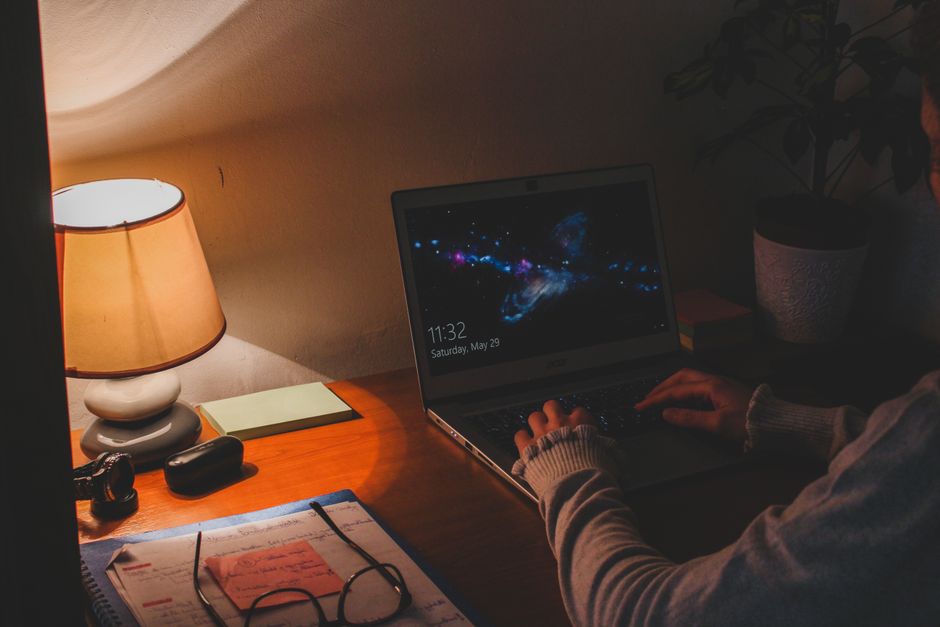
10) Put a light source behind your screen (bias lighting)
What it is: A soft lamp behind your monitor or TV to reduce harsh contrast between bright screen and dark room.
Why it helps: Many people find it reduces perceived eye fatigue at night.
Tip: Choose warm light in the evening. If you already own a lamp, you can test this tonight.
11) Make your “notification diet” specific, not strict
What it is: Instead of turning everything off, keep only notifications that are truly time-sensitive.
Quick filter: Ask, “Would I want this to interrupt a deep conversation?” If not, it doesn’t deserve a push notification.
- Keep: direct messages from key people, calendar alerts
- Mute: likes, follows, marketing, breaking news
12) Try the “one-tab rule” for 25 minutes
What it is: For a single work sprint, allow only one browser tab at a time. If you need another site, bookmark the current one and switch intentionally.
Why it helps: Tab overload increases cognitive switching. People often underestimate how draining constant context changes are.
Real-world win: Writers and analysts report finishing tasks faster when they “tab fast” less.
13) Use a “closing ritual” to stop work from leaking into evening
What it is: A 3-step shutdown: (1) write tomorrow’s first task, (2) close all tabs, (3) physically put the laptop away.
Why it works: Your brain gets a clear “done” signal. This can reduce post-work rumination and the urge to keep checking email.
14) Clean your inputs: earbuds volume + fit
What it is: Keep audio at the lowest comfortable level and ensure earbuds fit well. Poor fit makes you turn volume up.
Actionable metric: If someone next to you can hear your headphones, it’s too loud. Also, use subtitles sometimes so you can lower volume while still following content.
15) “Greyscale after sunset” for the most tempting apps
What it is: Set your phone to greyscale at a specific time (e.g., 9:00 p.m.) or create a shortcut that turns greyscale on with a single tap.
Why it helps: Bright colors are designed to hook attention. Greyscale can make apps feel less stimulating—especially short-form video and shopping.
Example: People who struggle with late-night scrolling often find this reduces “just one more” loops.
16) Try a “message window” instead of constant ping-pong
What it is: Choose 2–4 times per day to process messages (for example: 10 a.m., 1 p.m., 4 p.m.). Let others know you’re not ignoring them—you’re batching.
Why it helps: Constant messaging fragments attention and keeps your nervous system in a perpetual “on call” state.
Script: “If it’s urgent, call me. Otherwise I check messages at lunch and late afternoon.”
17) Use “bright light early, dim light late” to support sleep
What it is: Get outside light within an hour of waking (even 5–10 minutes), and lower indoor lighting at night.
Why it matters: Light timing is a powerful cue for your circadian rhythm. Early bright light can make it easier to fall asleep later, while bright screens at night can do the opposite.
Easy upgrade: Put a small lamp in your living room and turn off overhead lights after dinner.
Quick “choose your own plan” cheat sheet
If you want results without overhauling your life, pick based on your main pain point:
- Eye strain: 20-20-20 rule, bias lighting, distance dose
- Neck/shoulder tension: monitor height, soft hands reset, movement snacks
- Scrolling at night: phone parking spot, greyscale after sunset, dim light late
- Work overwhelm: one-tab rule, message windows, closing ritual
Real-world example routines (steal these)
The “busy professional” routine (under 5 minutes total)
- Two-minute landing before apps
- One-tab rule for the first 25-minute sprint
- One movement snack after each meeting
The “night scroller” routine (no willpower required)
- Phone parking spot outside the bedroom
- Greyscale at 9 p.m.
- Closing ritual to end work and reduce “checking” urges
The “eye fatigue” routine (desk-friendly)
- 20-20-20 paired with every email you send
- Bias lighting behind your monitor
- Two distance doses (after lunch, before dinner)
Conclusion: small tweaks beat extreme detoxes
You don’t need to throw your phone in a drawer for a week to feel better. Screen-smart wellness is about reducing friction for good habits and adding tiny recovery moments throughout the day. Start with just two changes—one for your body (like a movement snack) and one for your attention (like utility mode or message windows). After a week, keep what worked and swap out what didn’t. The goal isn’t perfection; it’s a calmer nervous system, fewer aches, and more control over where your focus goes.